The Complete Logic Pro Studio Guide
After 15+ years and $22,000+ in gear experiments, here's what I actually use and recommend. No clichés, no typical gear site recommendations—just honest advice from someone who's made all the expensive mistakes so you don't have to.
Full Transparency
This page contains affiliate links, which means I earn a commission at no additional cost to you. Some gear mentioned was provided by manufacturers for evaluation, though I only recommend what I'd buy myself. These aren't just random recommendations—this is gear I actually own, use, and can speak to from real experience.
Also: I try my best to keep up with links and pricing. If a link doesn't work, please email me at chris@whylogicprorules.com to let me know. Thanks!
Audio Interfaces
Before you buy anything else, get your interface right. It's the foundation of your entire setup.
If you're just getting started recording vocals, guitar, or keys, you don't need to overthink this. The Scarlett 2i2 is reliable, sounds great, and will serve you well for a long time.
If you're recording full bands, need multiple headphone outputs, or want to integrate outboard gear, the Scarlett 18i20 is what I actually use daily. It's pro-level I/O without the pro price tag.
If you're doing Atmos mixing, you need serious I/O and monitor management. The Apogee Symphony Studio is purpose-built for this, though it has some limitations worth knowing about.
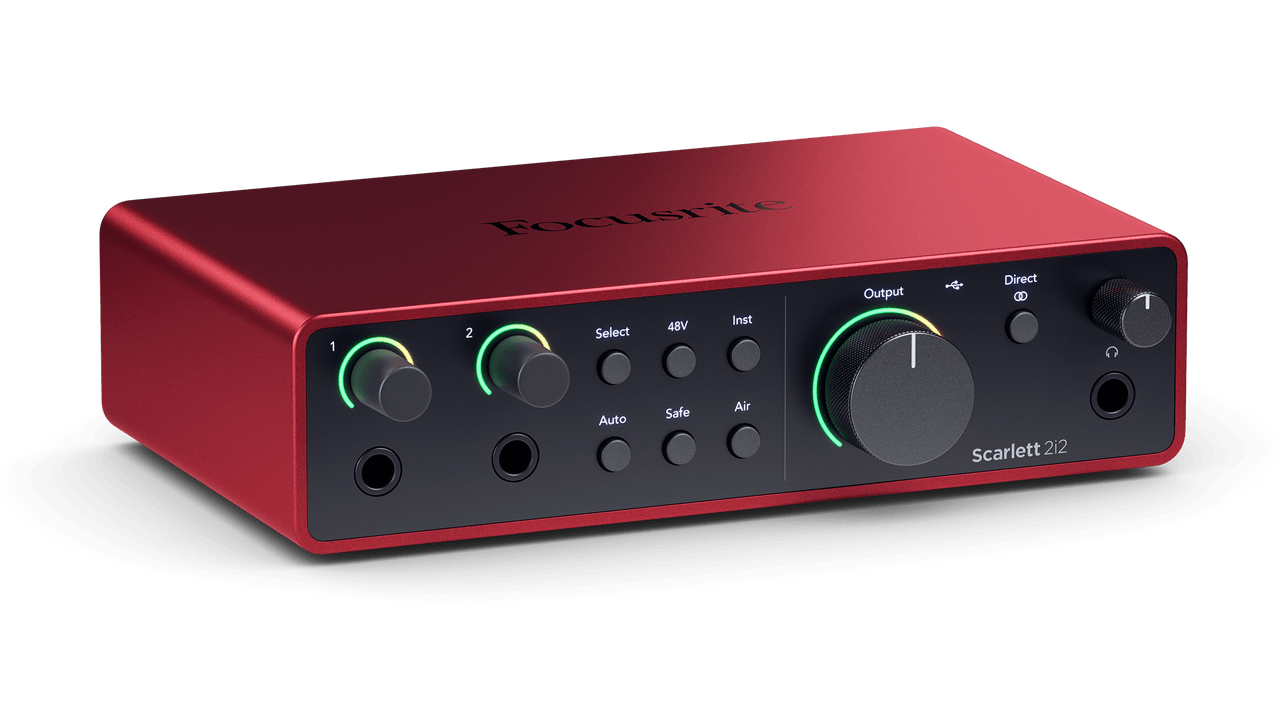
Focusrite Scarlett 2i2 (4th Gen)
$219.99
If you're recording one thing at a time—vocals, guitar, bass, or MIDI keyboard—this is a really solid choice. Two inputs, clean preamps, reliable that just works with Logic Pro.
This is where a lot of people start, and honestly, it'll serve you well until you're ready to record full bands or need more simultaneous inputs. The 4th generation is genuinely improved—better converters, better preamps, and you can even control it from your phone.
Don't overthink your first interface. Get this, start making music, and upgrade when you actually need more I/O.
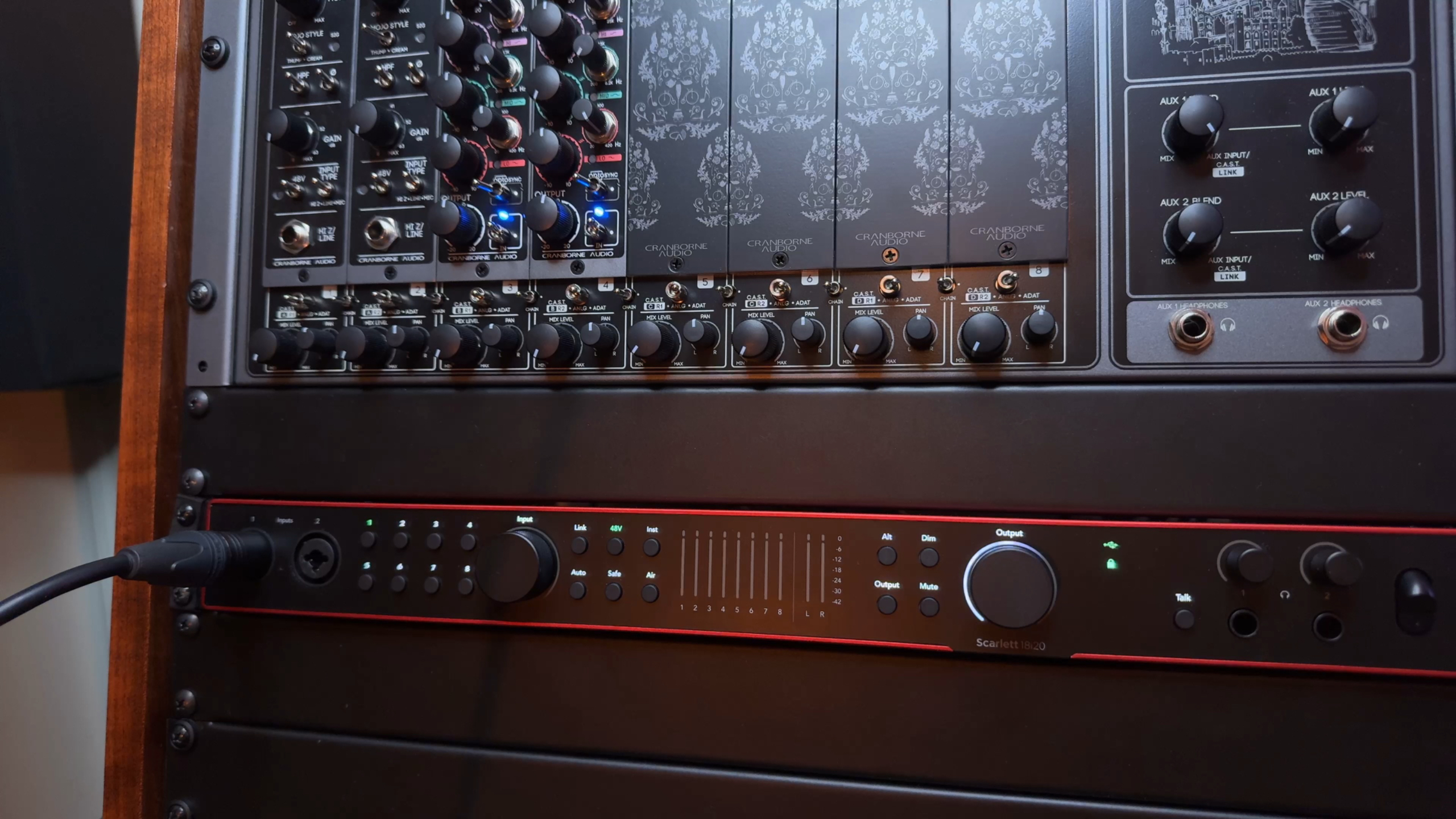
Focusrite Scarlett 18i20 (4th Gen)
$749.99
When you're tracking drums with multiple mics, recording a full band live, or integrating hardware compressors and EQs into your workflow, you'll eventually need more than two inputs.
The 18i20 gives you 8 mic preamps, ADAT expansion (this is crucial—you can add up to 16 more inputs/outputs when you need them), multiple headphone outputs for tracking sessions, and I can even control it from my iPhone. Focusrite has been really good about adding features through firmware updates too.
This is what I actually use—I run TWO of them together for my Atmos setup. They're reliable, expandable, and don't cost $2,000+ like some boutique interfaces with similar I/O counts. If you need serious connectivity for multi-tracking or outboard gear, this is a fantastic option.
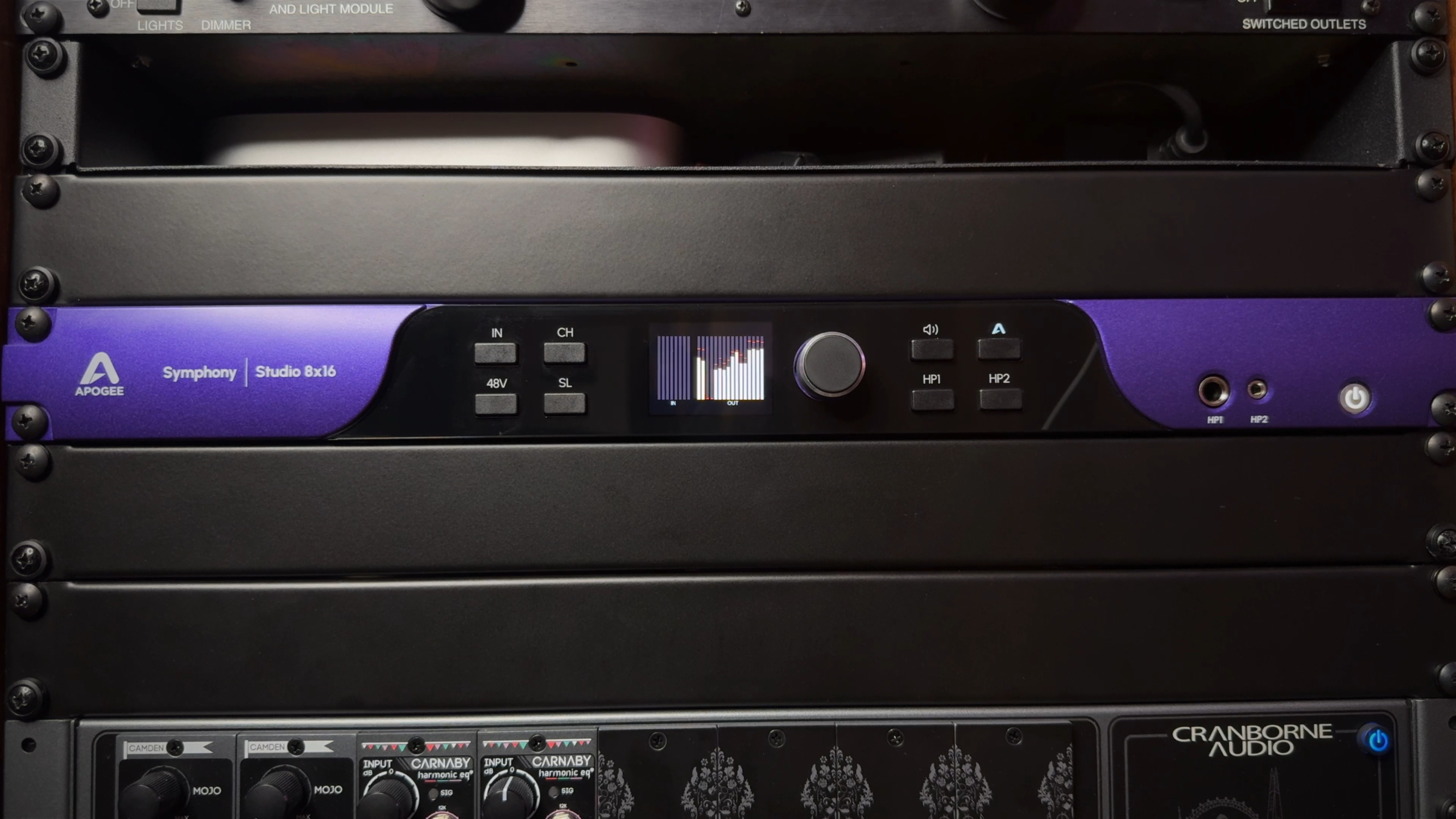
Apogee Symphony Studio
$2,199 - $3,999
If you're setting up a 7.1.4 Atmos monitoring rig, the Symphony Studio gives you the I/O count and pristine monitor management in a single, elegant box. The conversion quality is really exceptional, and the monitor control handles all the speaker routing and switching that Atmos requires.
One important thing to know: It doesn't have ADAT ports. If you need to expand beyond its built-in I/O count (like I ended up needing to), you'll have to look at other solutions. That's actually why I ended up using two Scarlett 18i20s instead—I needed that ADAT flexibility.
But if the Symphony Studio's I/O covers everything you need for your Atmos setup, it's a beautiful piece of gear. Just make sure you understand the expansion limitations before investing.
Microphones I Actually Use
You really don't need a closet full of microphones. A few good ones that cover different uses will get you 90% of the way there.
Shure SM4
$299 (Bundle)
The Shure SM4 is a no frills great sounding large condenser microphone. It handles noise rejection well, and has built-in RF filtering so you don't get cell phone interference (which can be a real problem with some mics).
The bundle includes a shock mount, pop filter, and case, so you've got everything you need right out of the box.
If you're creating video content or doing voiceover work, this delivers broadcast-quality sound without a ton of complexity. It just works, and it sounds great.
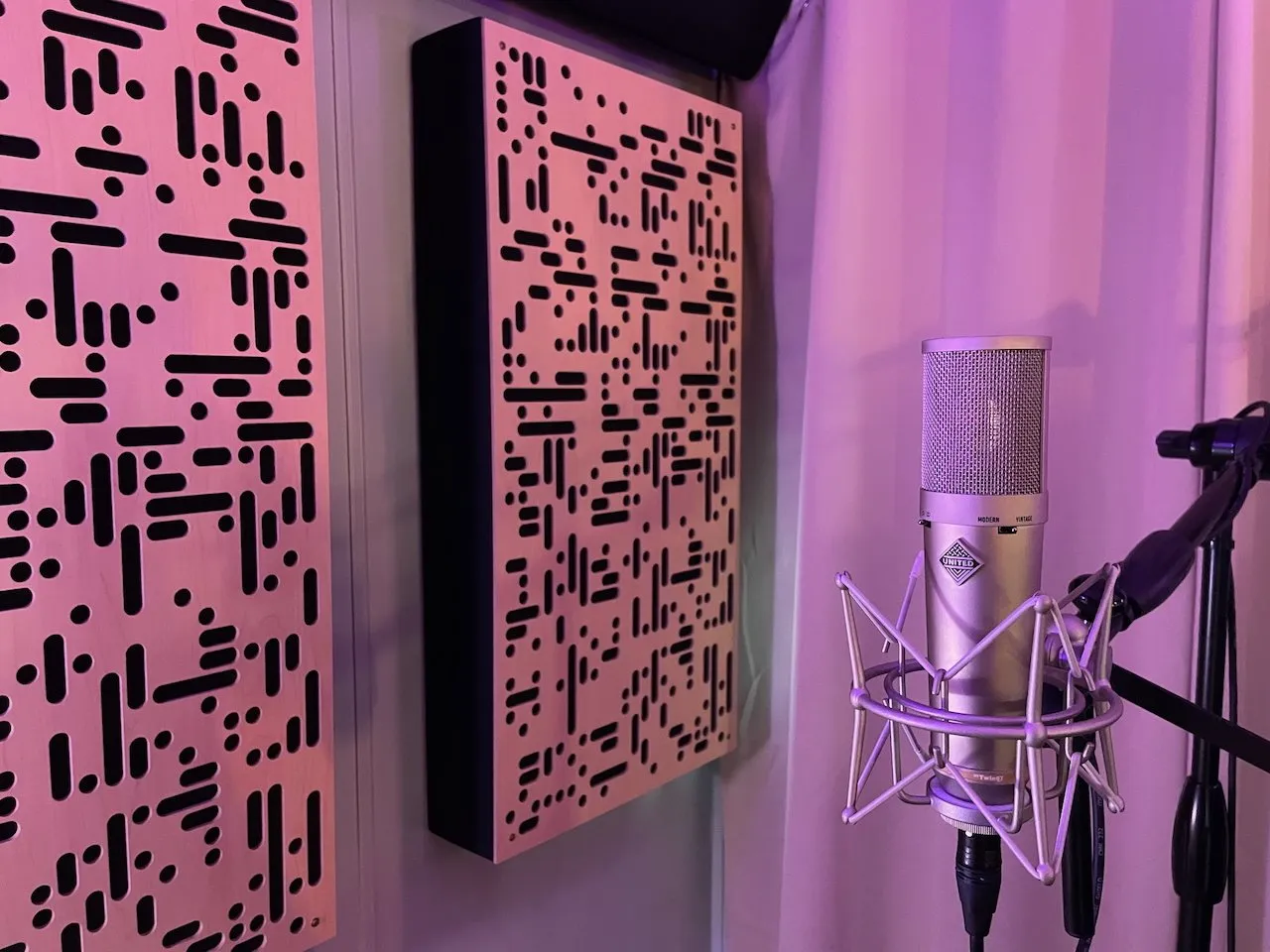
United Studios Tech Twin87
$599.00
A lot of people recommend the Audio-Technica AT2020 as a budget large-diaphragm condenser, and it's a decent mic. But if you're serious about vocal production or recording acoustic instruments, I think there are better options.
The Twin87 models TWO versions of the legendary Neumann U87—the microphone that's been on countless hit records for over 50 years. You get that character and quality for $599 instead of $3,600. Pretty remarkable.
If you don't need both voicing options, United Studios also has released the Vintage87, which gives you just the "vintage" U87 character for $399. Same quality, one mode, lower price.
Both have built-in switchable RF filtering and sound incredible on vocals and acoustic instruments. If you're doing client work or building toward it, these are worth the investment over entry-level condensers.
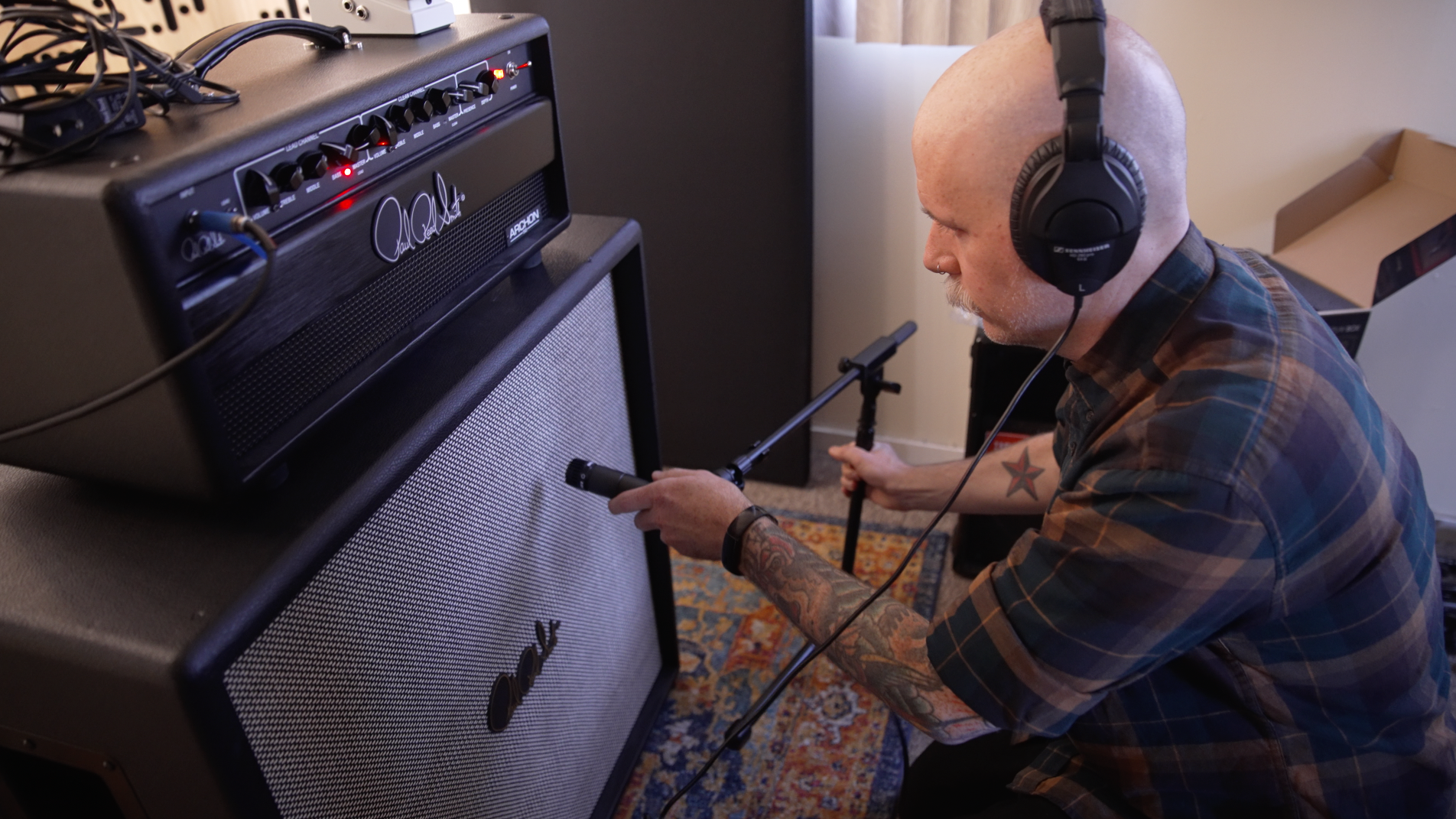
Shure SM57
$109.00
If I could only own one microphone for the rest of my life, this would probably be it.
Guitar cabs, snare drum, toms, acoustic guitar, even vocals in a pinch—the SM57 sounds good on just about everything. It's also virtually indestructible (you can drop it and it'll survive). It's been an industry standard for over 50 years for good reason.
Just about every professional studio has at least three of these lying around. Start with one, then grab a couple more as you need them. You'll use them forever.
Studio Monitors
Here's something I've learned about mixing in home studios: your room is probably affecting what you hear more than you realize. Bass buildup, reflections, standing waves—untreated rooms can really mess with your ability to make good mixing decisions.
I'm not recommending the typical Yamaha HS8s that everyone else suggests. The iLoud series has ARC room correction that actually works, and they're designed specifically for home studios rather than ideal acoustic spaces.
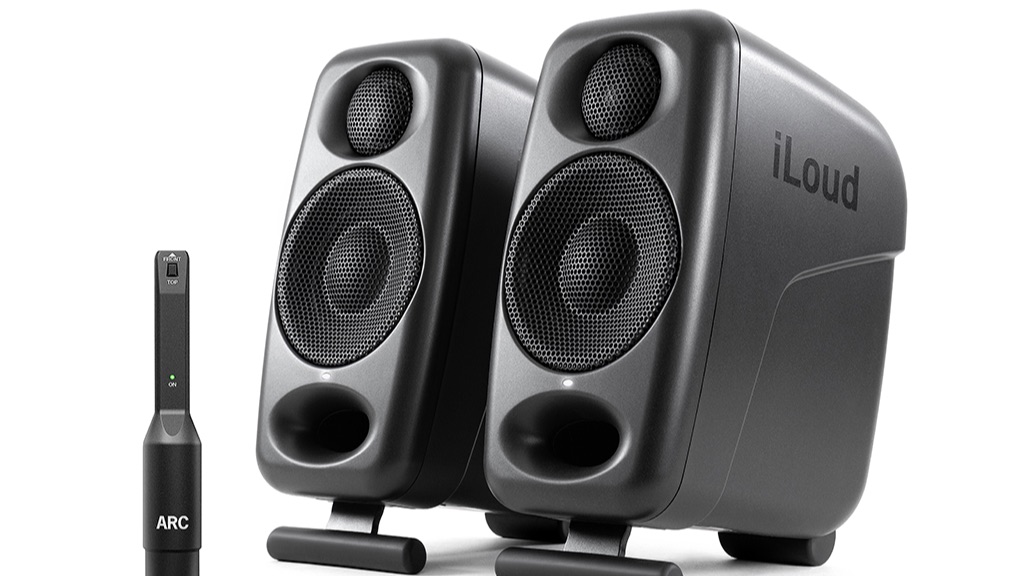
IK Multimedia iLoud Micro Monitor Pro
$599.99/pair
Full transparency: I haven't used these personally—I went straight to the Precisions for my main setup and MTMs for my Atmos speakers. But if you're working in a really small space or need a compact secondary monitoring setup, these are the smallest monitors I'd recommend.
What makes them worth considering despite their size is that they still include ARC room correction. That's a bigger deal than monitor size in most home studio situations.
If you have the space and budget, I'd suggest going with the MTMs instead. But if your desk is tiny and you need monitors that work in a really tight space, these exist and they're a solid choice.
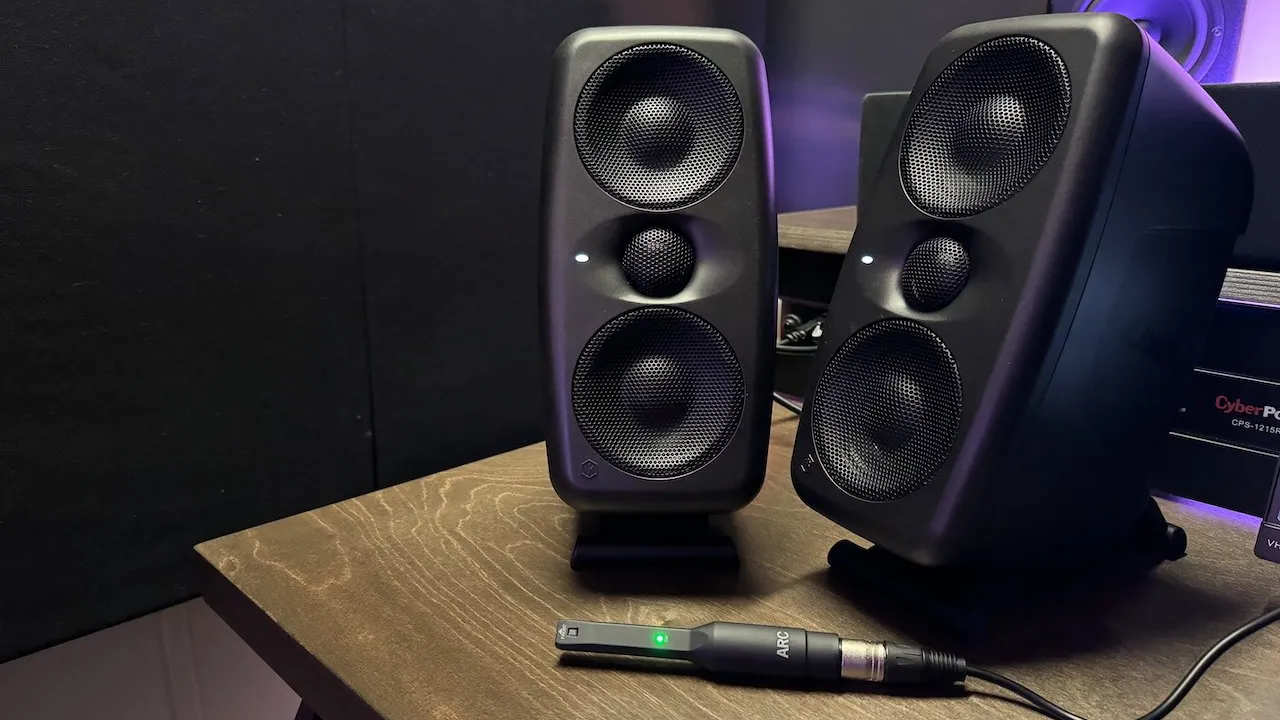
IK Multimedia iLoud MTM MkII
$799.99/pair
These are what I use for all my Atmos surround speakers. They have a compact footprint but deliver surprisingly big, full sound. Plus they include ARC room correction.
The MTM design (Midwoofer-Tweeter-Midwoofer) gives you really nice imaging and more accurate stereo width compared to typical two-way monitors. They sound way bigger than they look.
If you're mixing in stereo and have the desk space, these make excellent main monitors. If you're setting up an Atmos rig like me, they're perfect for surround channels. They're really designed with home studios in mind—where room treatment might be limited.
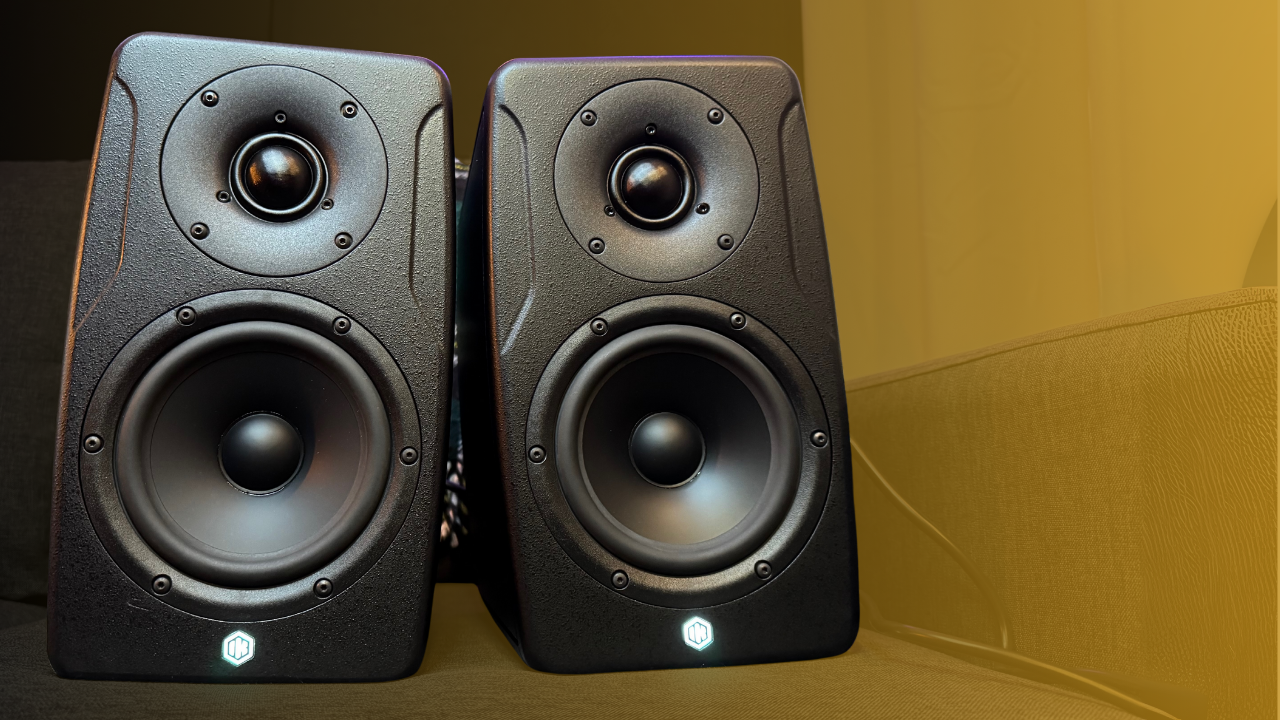
IK Multimedia iLoud Precision MkII
$1,599.99 - $1,999.99/pair
These are my main stereo pair for critical mixing decisions. Same philosophy as the MTMs—designed for real-world home studios—but with flagship sound quality and accuracy.
The ARC room correction is really valuable here. It measures your specific room and compensates for acoustic problems like bass buildup, reflections, and standing waves. You end up hearing your mix more accurately instead of hearing your room's problems.
I trust these for client work. They're very honest—if your mix has issues, you'll hear them clearly. And when your mix is working, it translates really well to other systems.
They're definitely an investment, but they're built for the reality of home studio environments. If you've struggled with mixes that sound great in your room but don't translate elsewhere, room correction makes a huge difference.
MIDI Controllers & Workflow
Here's something worth mentioning: your iPhone or iPad running Apple's Logic Remote app is surprisingly powerful, and there's a good chance you already own the hardware. It's free and genuinely useful.
That said, when you want dedicated physical controllers, these integrate really well with Logic Pro.

iPhone/iPad with Logic Remote
Free
Don't overlook this just because it's free! Apple's Logic Remote app is genuinely powerful and you probably already own an iPhone or iPad.
You can control transport, adjust faders, trigger loops, edit automation—tons of useful stuff. I use this all the time when I'm away from my keyboard but need to tweak something in the mix, or when I'm tracking and want to control things from across the room.
Definitely worth downloading and exploring if you haven't already.

Novation Launchkey MK4
$129.99 - $329.99
When you want hands-on hardware control, Novation's integration with Logic Pro is excellent. You can play chords or drums with the pads, the knobs control faders and Smart Controls, and the transport controls work exactly like you'd expect.
It comes in 25, 37, 49, and 61-key versions. I'd pick based on your available desk space and whether you actually play keyboard parts.
The Logic Pro integration is genuinely well thought-out—it just works without a lot of configuration headaches.
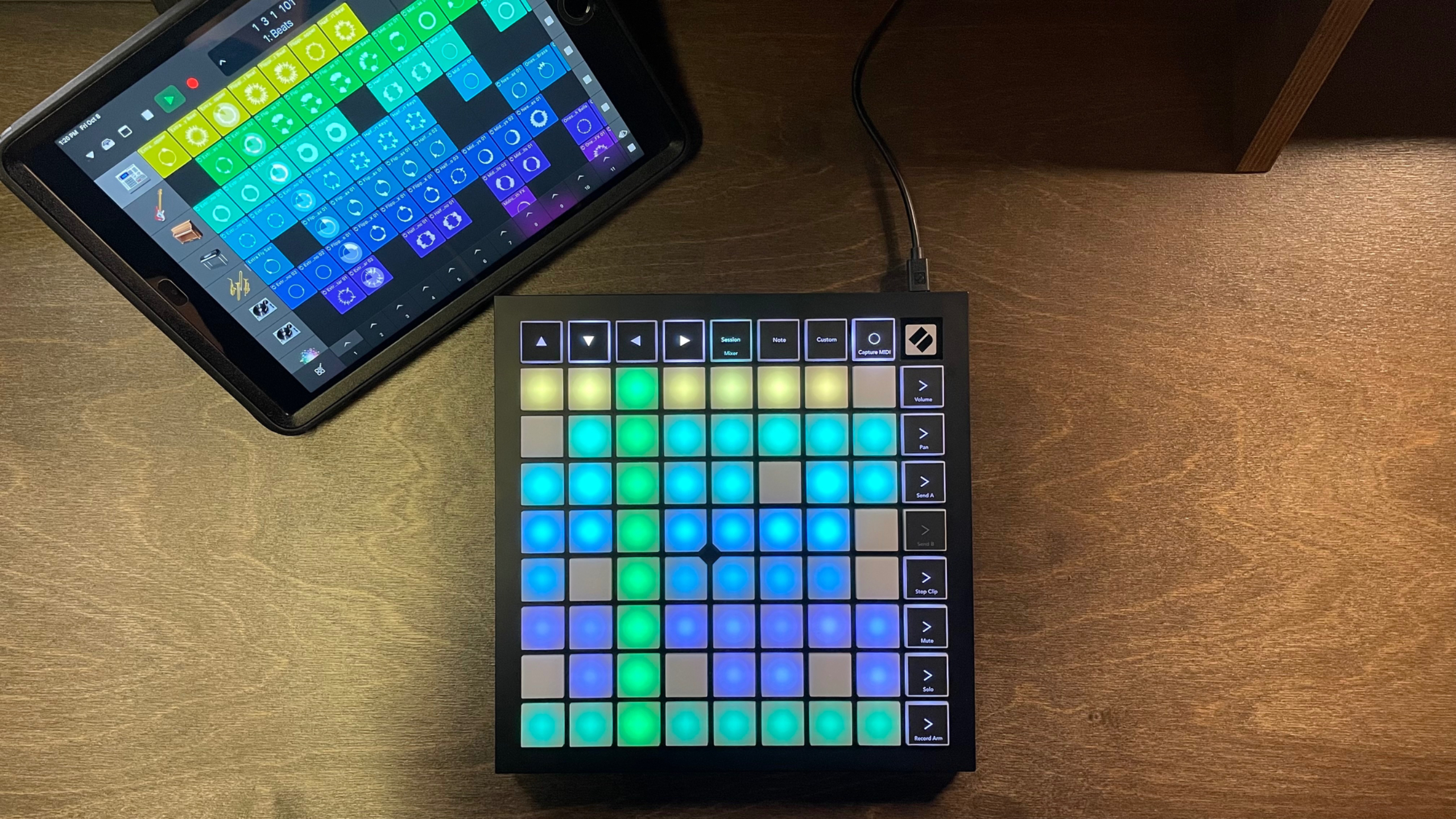
Novation Launchpad
$129.99 - $389.99
If you're making electronic music, beats, or anything loop-based in Logic Pro, the Launchpad's grid workflow is really intuitive. Great for triggering loops, samples, and building arrangements on the fly.
The integration with Logic's Live Loops feature is solid. You can perform your arrangements in real-time, capture everything as MIDI, then fine-tune the details afterward.
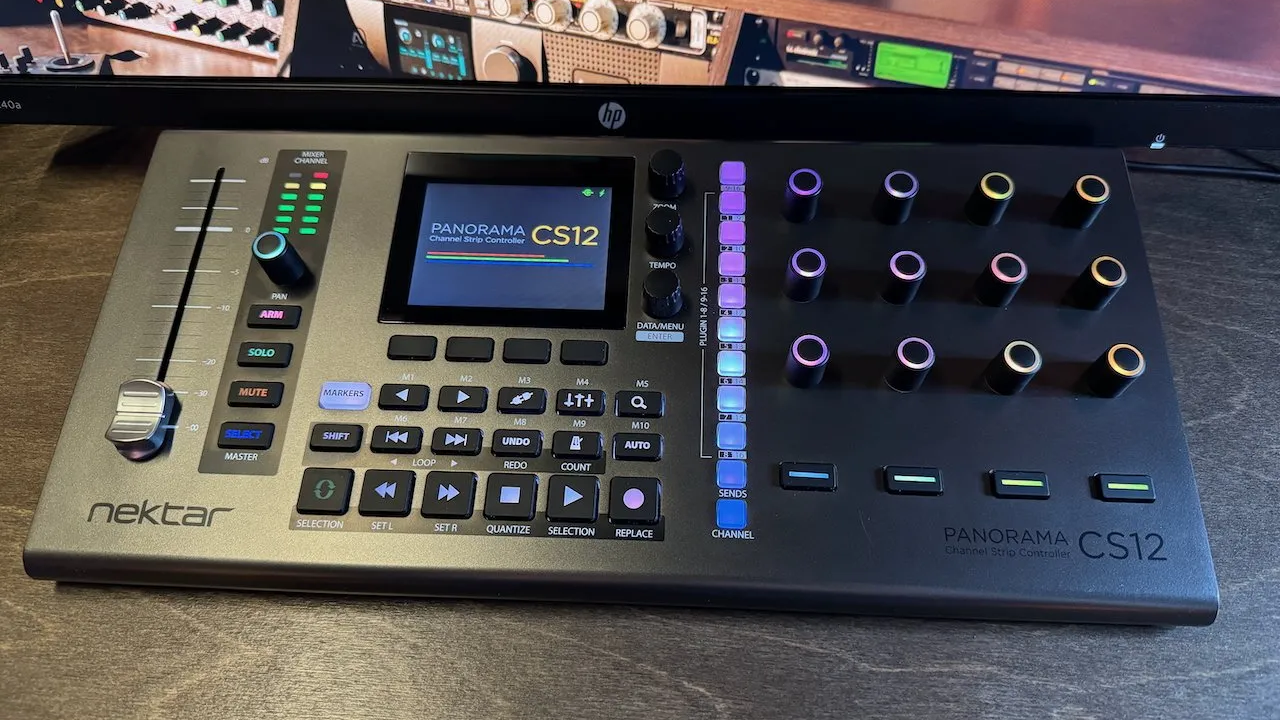
Nektar Tech CS12
$399.99
Finally—an affordable single-channel control surface for Logic Pro! Motorized fader, transport controls, and really nice Logic integration.
If you miss the hands-on feel of mixing with physical controls (like the old console workflow), this is a much more affordable way to get there than buying a full mixer or large-format control surface.
Headphones - What I Actually Use
Mixing on headphones can be challenging because a lot of consumer headphones are tuned to make music sound exciting rather than accurate. That's great for listening, but it can mislead you when you're trying to make mixing decisions.
Here's what actually works for critical listening and tracking:
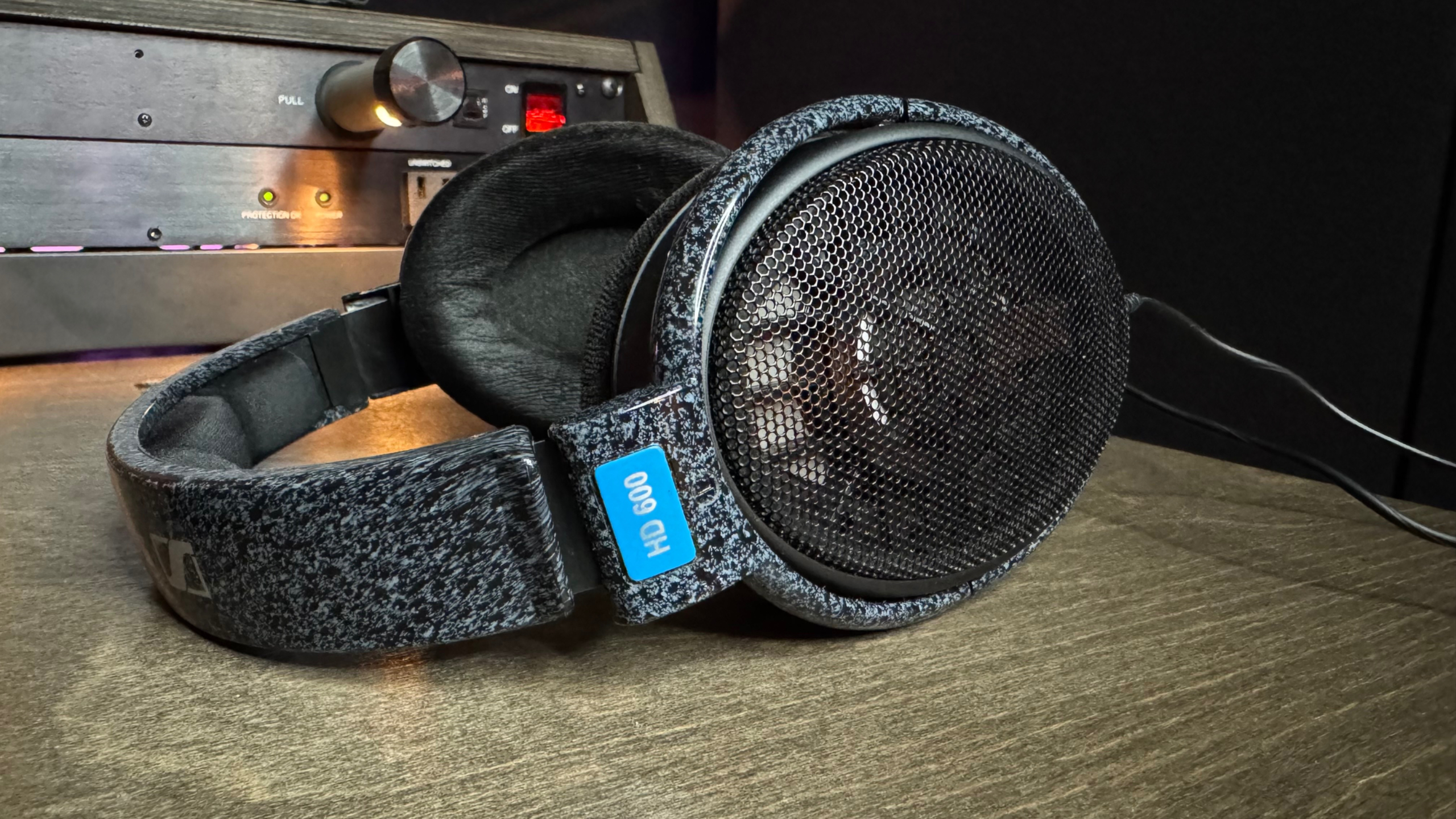
Sennheiser HD 600
$499.95
These are my mixing headphones. They're very honest—no hype, no exaggeration, just an accurate picture of what's actually in your mix. They've been an industry standard for critical listening for over 25 years.
Most consumer headphones (even nice ones) are designed to make music sound exciting. The HD 600s are designed to tell you the truth. If something sounds good on these, it's going to translate well just about everywhere.
I use these for all my mixing work. They're open-back, which means they're not ideal for tracking (too much bleed into the mic), but for mixing and critical listening? They're fantastic.
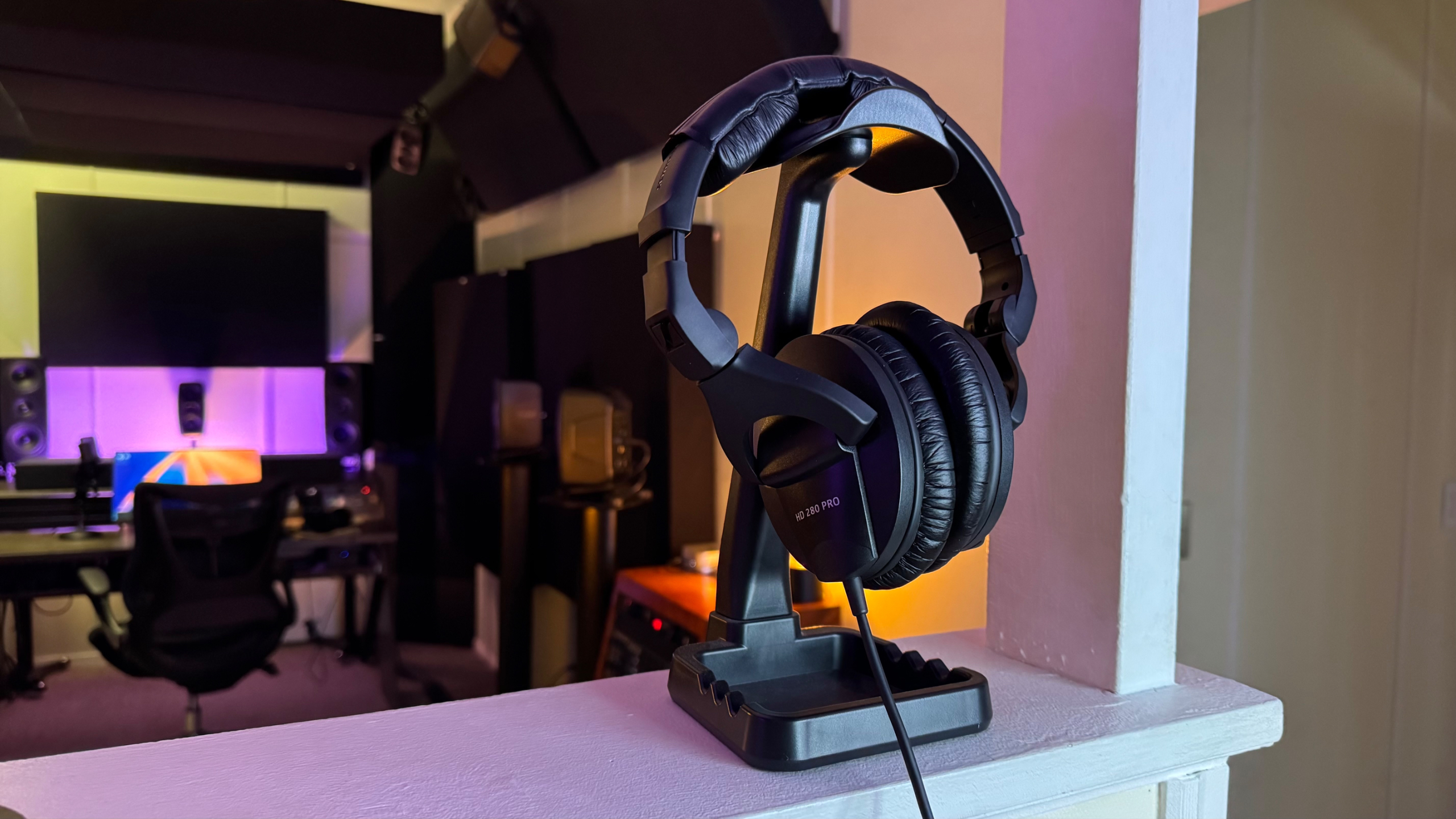
Sennheiser HD 280 Pro
$99.95
These are my tracking headphones. Closed-back design for isolation, comfortable enough to wear for long sessions, and built really solidly.
When you're recording vocals or acoustic instruments, you need good isolation so the headphone bleed doesn't spill into your microphone. The HD 280 Pros handle this really well.
I've had my pair for over 10 years now. They've survived countless tracking sessions, and probably a few accidental drops. For tracking work, these are great.
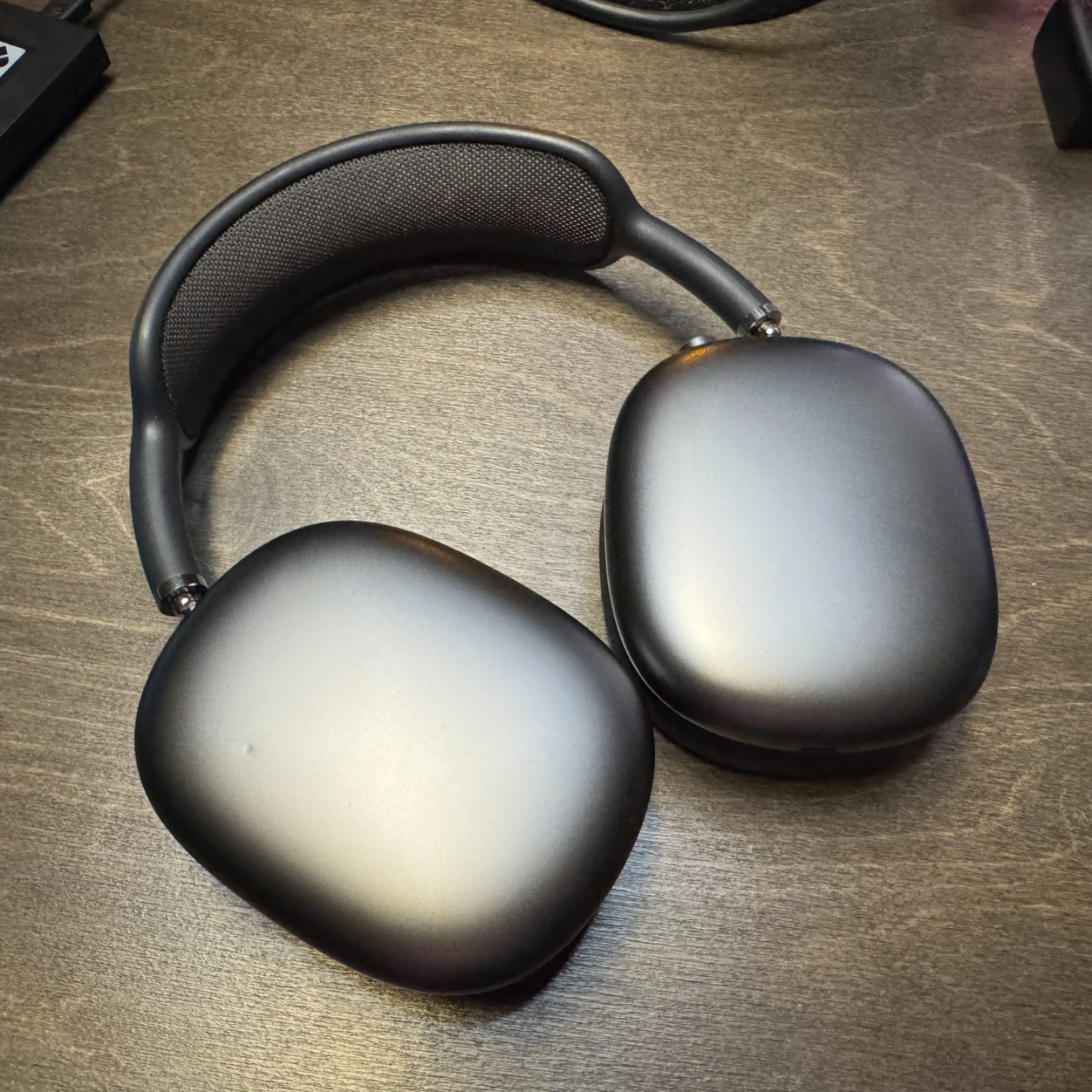
Apple AirPods Pro (2, 3 or Max)
$249.00 - $549.00
Essential for Atmos work—these are what most consumers use to listen to spatial audio (and stereo). If you're mixing in Atmos, you need to check your mixes on what people actually listen on.
Even if you're not doing Atmos, checking your stereo mixes on AirPods is smart. Millions of people listen on these. Your mix needs to work on them.
But this is NOT an essential purchase for beginners—it's for checking how your professional work translates to consumer devices.
Level-Up Hardware
When you're ready for dedicated outboard hardware that genuinely affects the sound (not just the workflow), this is where I'd look.
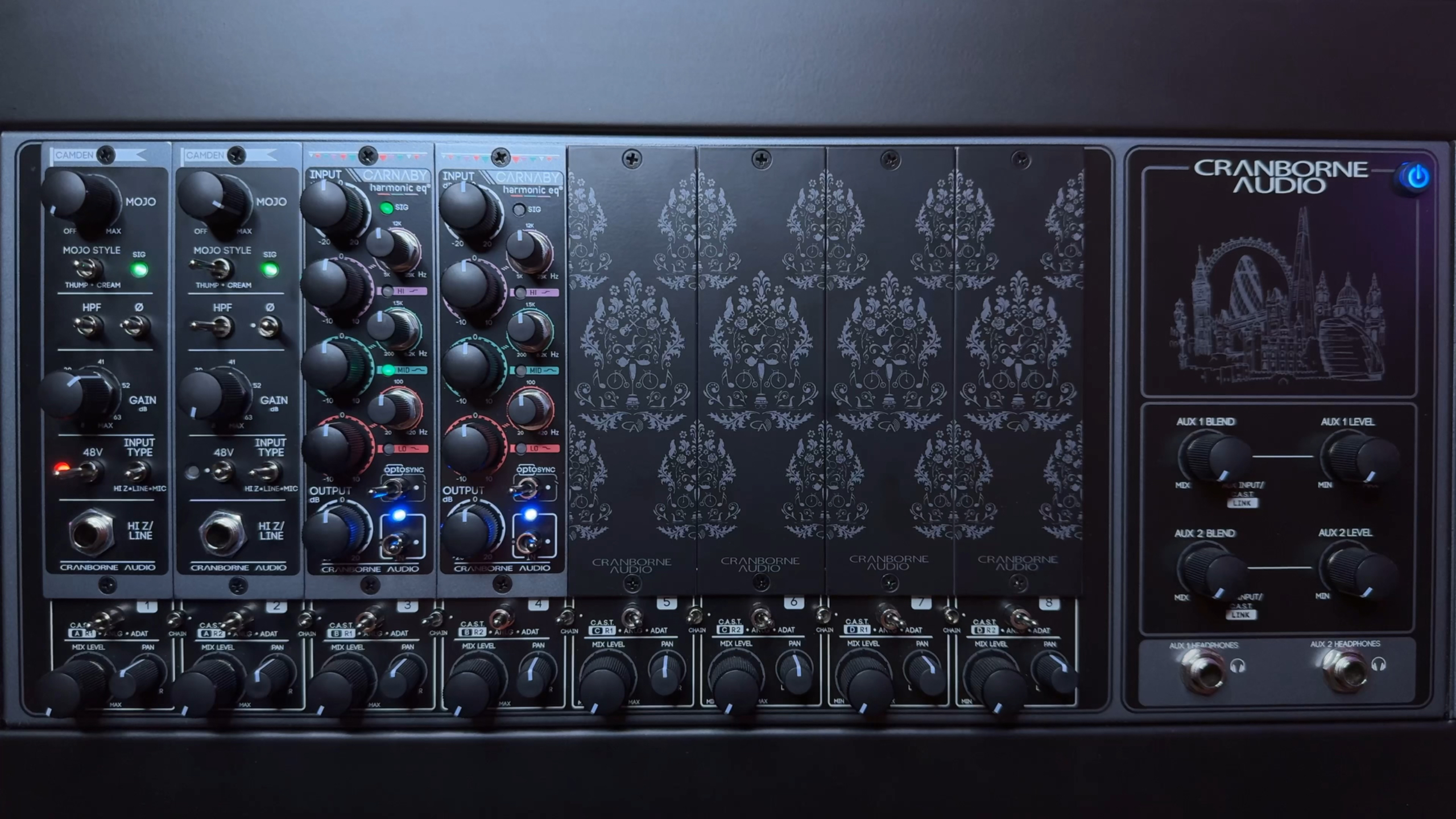
Cranborne Audio Camden EC1/EC2
$499 (single channel) - $999 (dual channel)
When you're ready for dedicated preamps that actually color and shape the sound (not just amplify it), the Camden series is fantastic. British engineering, analog saturation, real character you can hear.
The built-in preamps on your audio interface are clean and transparent, which is great for a lot of applications. But sometimes you want warmth, color, and that "pushed through analog gear" character. That's where something like the Camden comes in.
I use the 500-series version. It's definitely not essential, but when I want vocals or guitars to have that analog vibe, this delivers.
Software & Apps That Actually Matter
These aren't typical plugin recommendations—these are workflow tools and problem-solvers I actually use. Some of these you've probably never heard of, but they've become essential parts of my process.
Essential Tools for Everyone
These genuinely improve any Logic Pro workflow, regardless of experience level:
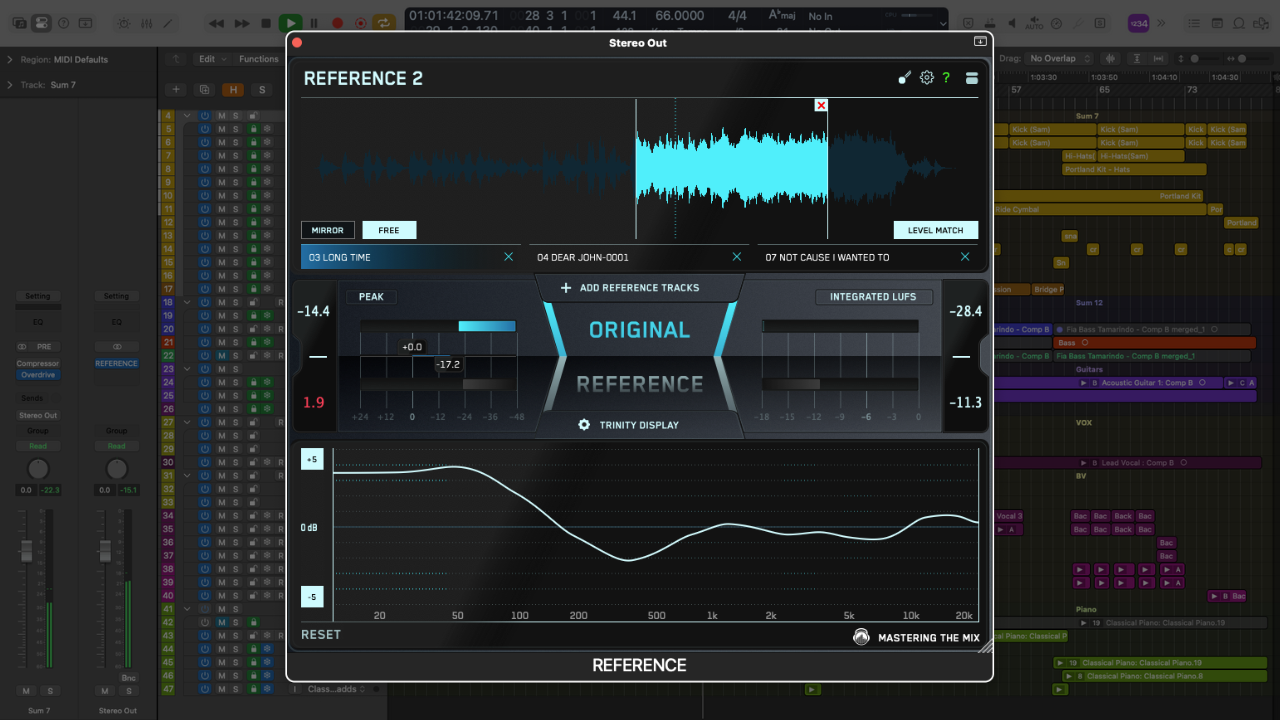
Mastering the Mix REFERENCE
$80.00
One of the biggest things that improved my mixing was learning to reference other professional tracks while I work. It sounds simple, but it's incredibly valuable—you need to know what "good" actually sounds like in your room, on your monitors.
REFERENCE makes this process really easy. You can load in reference tracks, match levels automatically so you're doing fair comparisons, and quickly A/B between your mix and professional work. It's eye-opening (or ear-opening?) to hear how your mix actually compares.
I use this on every single mix. It keeps me honest and helps me make better decisions. Highly recommend this one.
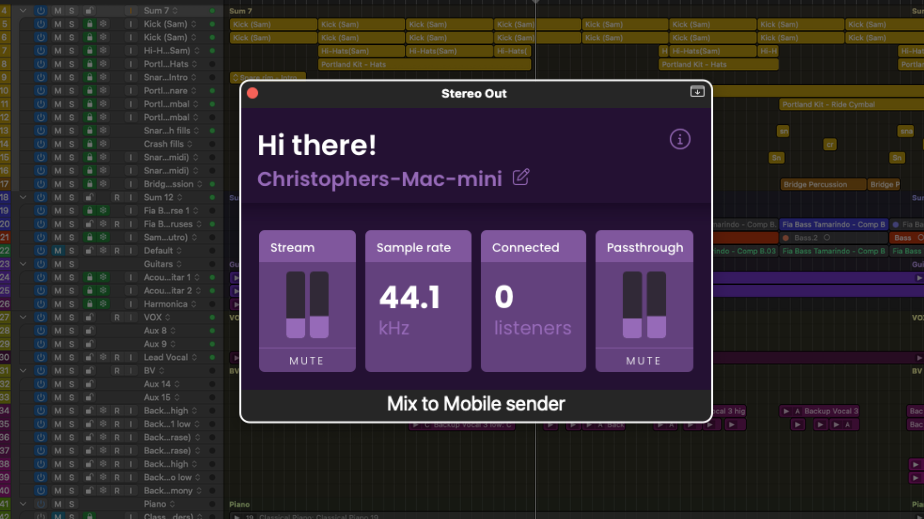
Sound on Digital Mix to Mobile
$39.00
This is such a simple idea but it's genuinely changed my workflow: send your project's audio directly from Logic Pro to your phone using a sender plugin and receiver app.
No bouncing files, no AirDrop transfers—just instant playback on your phone speakers.
Why does this matter? Because a huge number of people listen to music on their phone speakers or cheap Bluetooth speakers. If your mix doesn't work there, it doesn't work for a lot of listeners.
I check every mix on my phone now, and this makes the process instant. Game-changer for workflow.
Audio Repair & Cleanup
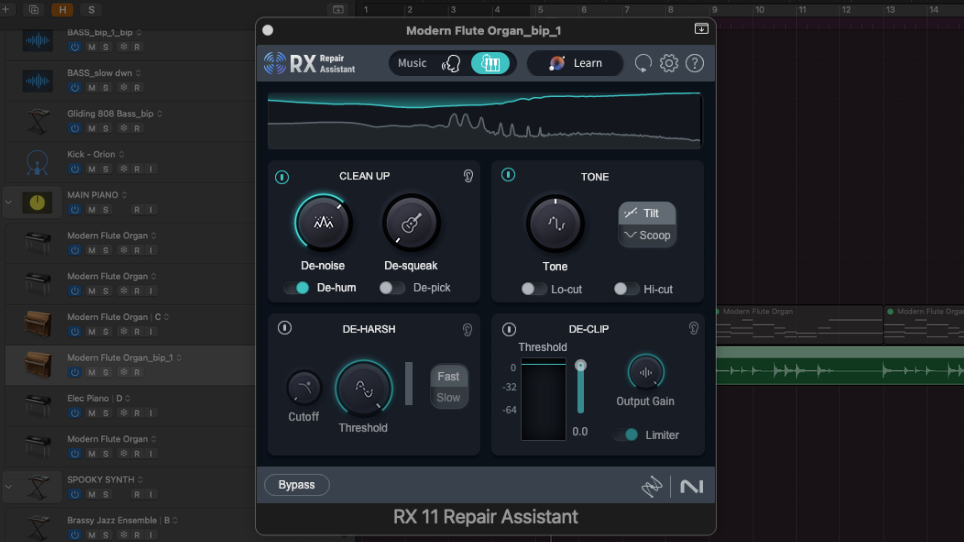
iZotope RX Elements
$99.00
Audio repair is one area where Logic Pro's built-in tools just don't cut it. If you're working with dialogue, podcasts, voiceovers, or fixing less-than-perfect recordings, you need something more surgical.
I actually use iZotope RX Advanced (the $1,349.00 version) on every project—it's that essential for me. But that's probably overkill if you're just getting started with audio repair.
RX Elements is the entry-level version with 6 really useful tools: De-noise, De-click, De-hum, Voice De-noise, Breath Control, and De-clip. It covers about 80% of what you'll need for basic cleanup work, and it's genuinely powerful.
You might eventually want to upgrade to the Standard or Advanced versions (I did), but Elements is a great place to start.
Note: iZotope has recently been acquired by BorisFX, after previously being owned by Native Instruments, which had been under financial restructuring. So the future of iZotope could change. But I continue to use RX and Tonal Balance 3 below.
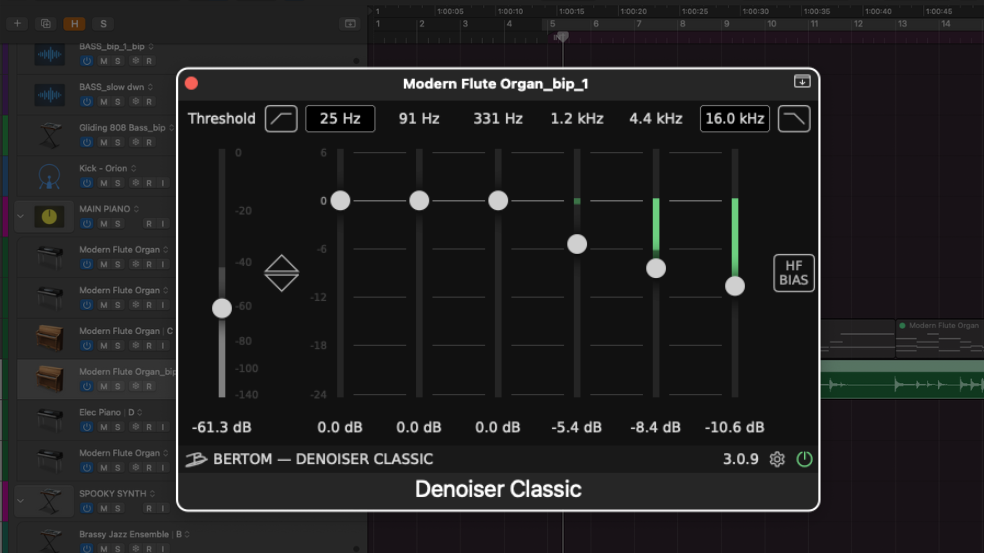
Bertom Audio Denoiser Classic
Free
If you're not ready to invest in RX Elements yet, Bertom's Denoiser is a solid free option for basic noise reduction. It won't do everything RX can do, but for simple background noise cleanup, it works well.
Worth having in your toolkit even if you have RX—sometimes you just need quick, simple noise reduction.
When You're Making Money From Mixing
These are more advanced professional tools. Logic Pro's built-in effects are incredibly powerful—you absolutely don't need these to make great music. But these plugins solve very specific problems that Logic doesn't have great solutions for.
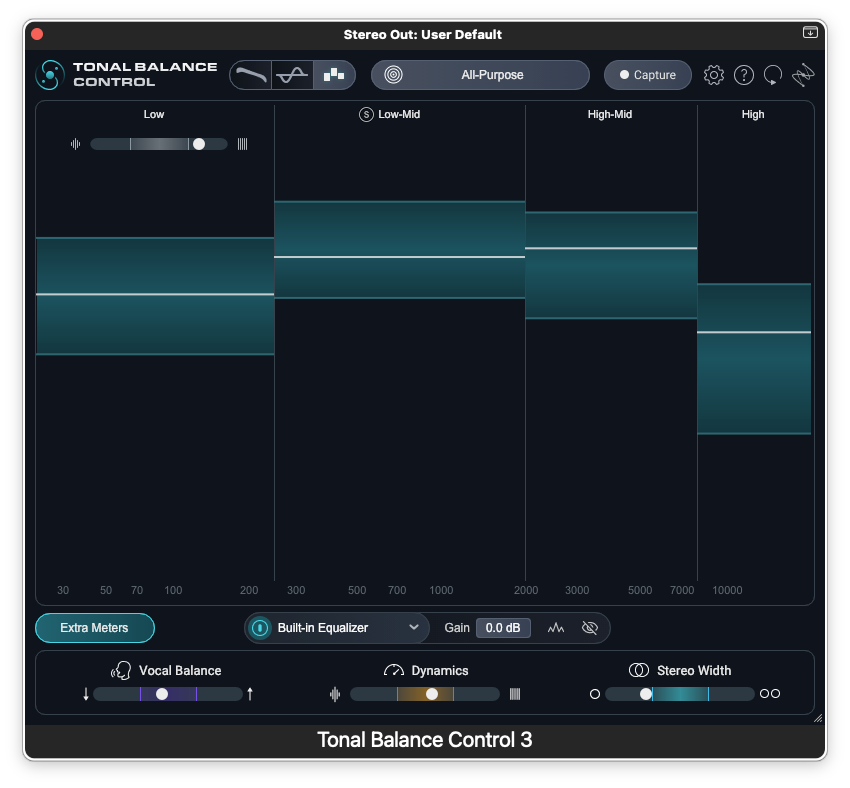
iZotope Tonal Balance Control 3
$129.00
This is a really helpful tool for developing your mixing ear. It shows you how your mix's frequency balance compares to reference tracks in real-time.
You can load in professional mixes from your genre and see where your low end, mids, and highs are sitting compared to commercial work. It's been genuinely eye-opening for understanding where my mixes were too dark, too bright, or had too much low end.
Incredibly valuable when learning how to mix.
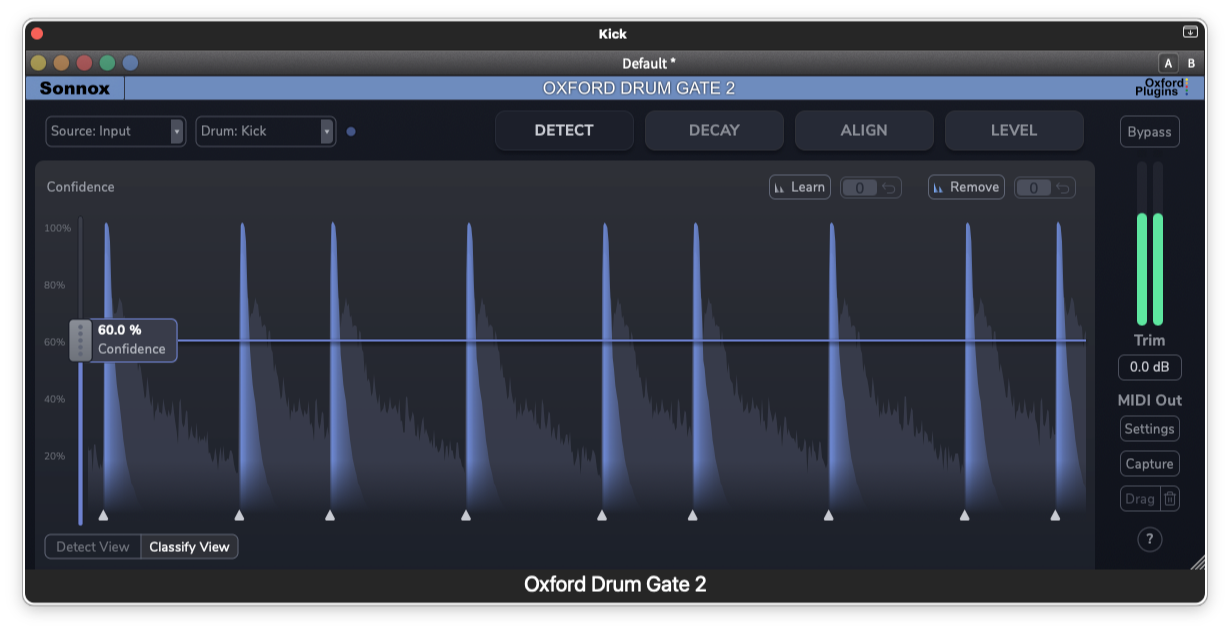
Sonnox Oxford Drum Gate 2
$179.99
If you're working with recorded drums (not programmed), cleaning up drum tracks can be tedious. Bleed from other drums, cymbal wash, room noise—it all adds up.
The Oxford Drum Gate is really smart about cleaning this up while keeping the natural feel and dynamics of the performance. It's way more musical than just throwing a basic gate on everything.
Plus, Oxford Drum Gate 2 also now time aligns your multimic drums for maximum punch and solidity.
I use this pretty regularly on drum tracks. It's not essential, but it makes the cleanup process much faster and more musical than doing it manually or with basic gates.
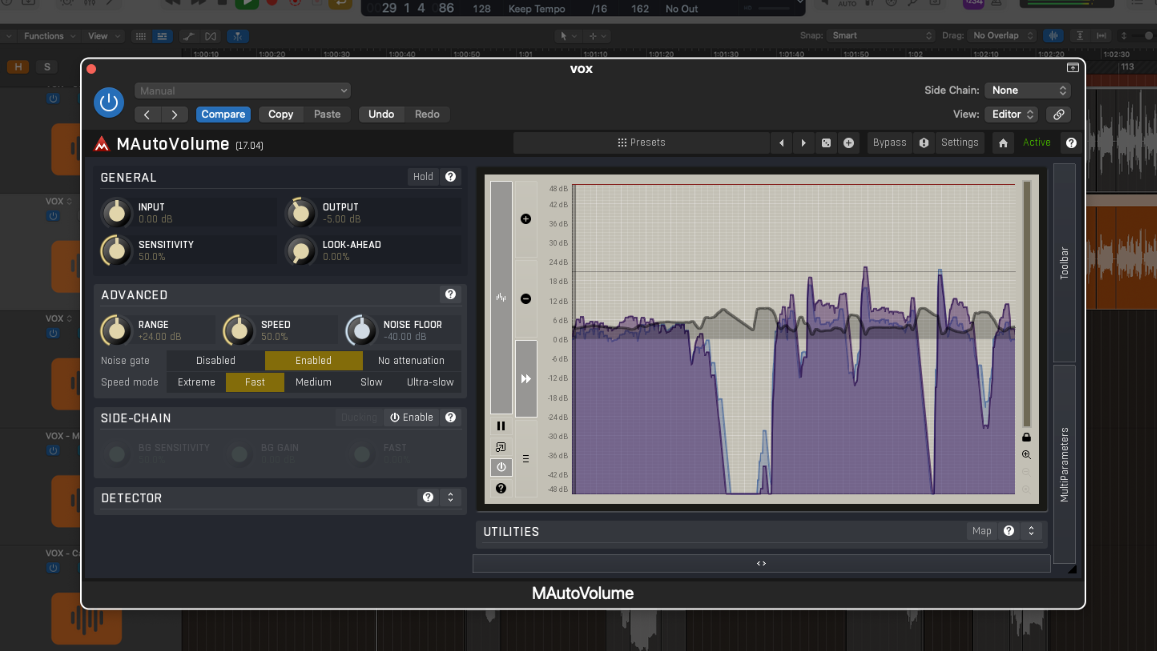
Melda Production mAutoVolume
$59.00
Vocal level riding—going through a vocal track and manually adjusting the volume of every phrase so it sits consistently in the mix—is incredibly time-consuming. But it's also really important for polished, professional-sounding vocals.
mAutoVolume does this automatically. It rides the vocal (or any other track) and adjusts the levels to maintain consistent volume without losing the natural dynamics. It's not a compressor—it's more like automatic gain staging.
Set it, tweak a couple parameters, and you're done. Saves hours on vocal production.

MiniMeters App
$20.00
This is a newer addition to my workflow that I'm still testing, but it's pretty promising. It's a separate app that gives you real-time metering that stays visible even when Logic Pro isn't your active window.
Handy for keeping an eye on levels while you're doing other things or working with multiple screens. Still evaluating how essential it is, but so far it's been useful.
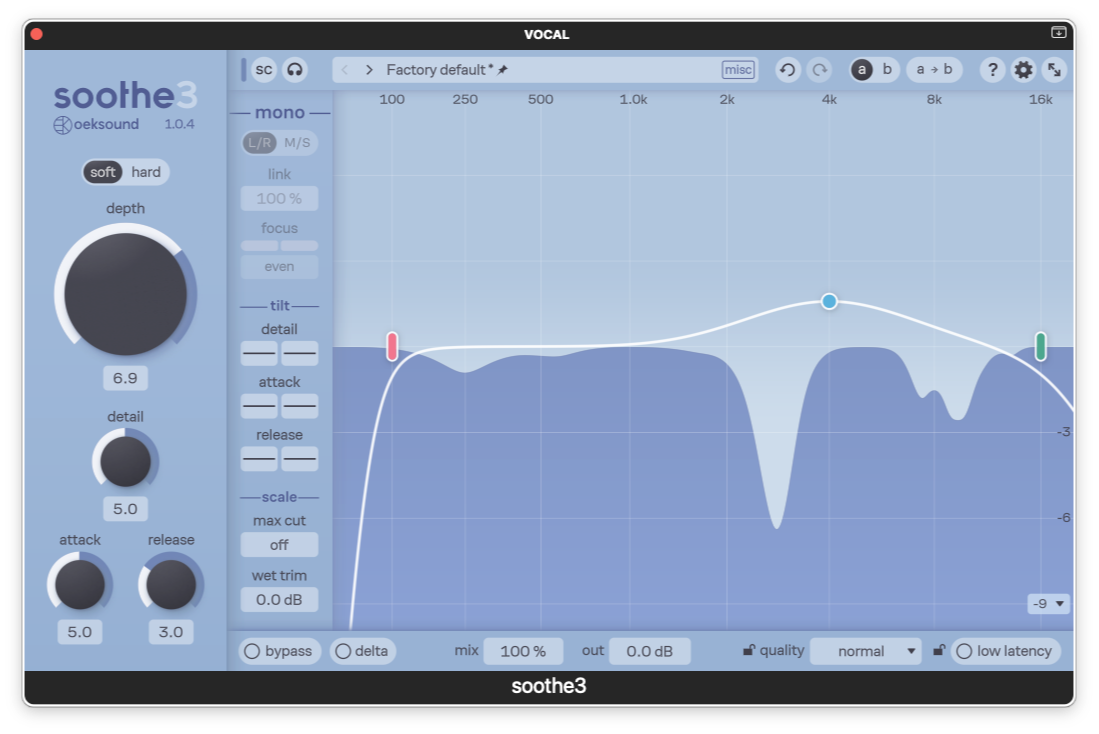
Oeksound Soothe 3
$259.00
Here's a problem I run into all the time: you've got a vocal that sounds harsh on certain words, or cymbals that are painfully bright, or a guitar with some piercing resonance that's driving you crazy.
You could sit there with an EQ trying to hunt down the exact problem frequencies, notch them out, and then realize you've dulled the entire track. Or you could use Soothe 3.
It automatically finds harsh resonances and tames them—but only when they're actually a problem, not constantly. So your vocal stays bright and present, but the harshness disappears. Your cymbals sound natural instead of dull.
I use this on almost every mix now. Vocals, guitars, cymbals, acoustic instruments—anywhere there's unwanted harshness or resonance. It's really surgical and musical in a way that static EQ isn't.
Logic's built-in EQ and dynamic plug-ins can't really do this kind of dynamic resonance control. Worth every penny if you're doing professional mixing work.
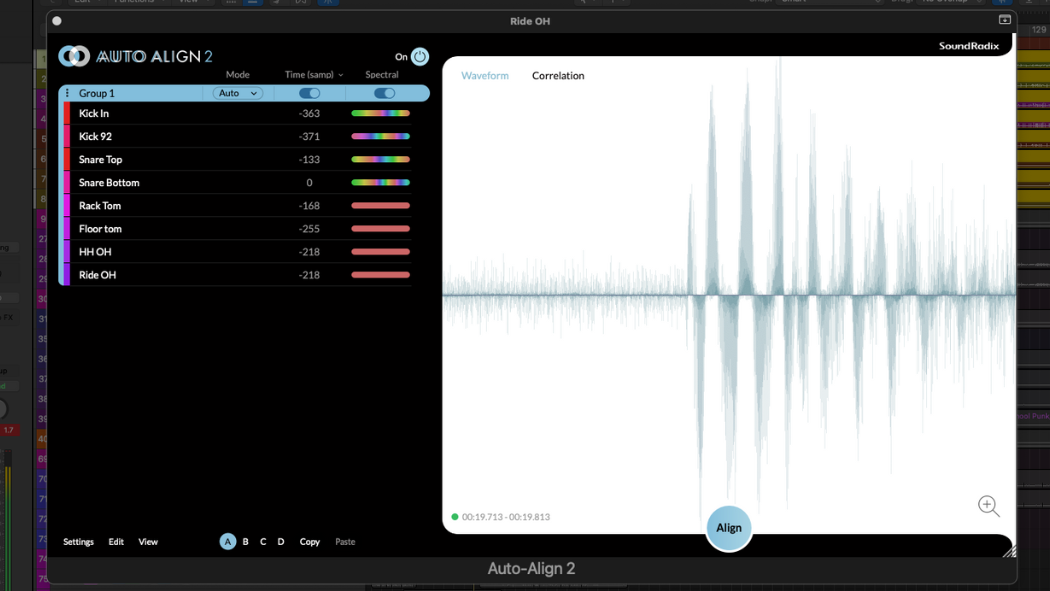
SoundRadix AutoAlign 2
$199.00
If you're recording with multiple microphones on the same source—like drum overheads, close mics, and room mics all capturing the same kit—you'll eventually run into phase problems.
The mics are capturing the same sounds at slightly different times, and when you bring them all up together, things can sound thin, hollow, or just weird.
Fixing phase relationships manually means zooming way in, nudging tracks sample-by-sample, and hoping you get it right. It can take 20-30 minutes per session and it's honestly pretty tedious.
AutoAlign 2 does this automatically in about 10 seconds. You load the plugin, it analyzes the phase relationships between tracks, and fixes everything. Your drums (or whatever you're recording with multiple mics) suddenly sound full and focused.
I use this on every session where I have multiple mics—drums, acoustic guitar, piano, any multi-mic situation. It's saved me hundreds of hours at this point, and the results are consistently better than what I could do manually.
Logic Pro doesn't have anything that does this, and it's genuinely worth the investment if you're doing any multi-mic recording.
Backup & Workflow Apps
These aren't mixing tools, but they're essential for staying organized and protected:

Samply.app
Annual Subscription
Sharing mixes with clients and collaborators can be a pain—endless email threads, "which version is this?", no clear feedback system.
Samply makes this process way cleaner. Clients can leave timestamped feedback directly on the audio, you can see exactly what they're talking about, and everything stays organized in one place.
If you're doing client work, this is worth checking out. Makes the revision process so much smoother.

Rogue Amoeba Audio Hijack
$69
Need to capture audio from anywhere on your Mac? Streaming services, YouTube, system audio—Audio Hijack can grab it all.
Really useful for capturing reference tracks, creating samples, or just saving audio from sources that don't have download options. I use this pretty regularly.

Backblaze
$99/year
Unlimited cloud backup for one flat annual price. Your projects and session files are way too important to lose.
I sleep way better knowing everything's automatically backing up to the cloud. Hard drives fail—it's not if, it's when. Don't learn this lesson the hard way.

Carbon Copy Cloner
$49.99
Apple's Time Machine is great for most backup needs. But if you want more control and customization, Carbon Copy Cloner is fantastic.
You can clone your entire drive, set up scheduled backups with really specific parameters. When (not if) your SSD fails, you'll be glad you have this.

Dropover
$5
This is such a simple little utility, but it makes file management way easier when you're moving samples, projects, and session files around.
Creates a shelf where you can temporarily hold files before moving them where they need to go.
Tiny quality-of-life improvement that adds up over time.
Essential Free Plug-ins
Don't sleep on these—they're genuinely useful and completely free:
- Slate Digital Fresh Air - Adds sparkle and air to any source. Really useful for brightening things up.
- ValhallaDSP Super Massive - Huge reverbs and delays that sound way more expensive than "free." Fantastic for creative effects.
- Tokyo Dawn Labs PRISM - Spectrum analyzer that rivals expensive alternatives. Essential for visual feedback.
- Tokyo Dawn Labs NOVA - Parallel dynamic EQ. It's complex, but once you understand it, it's incredibly powerful.
- Hitshaper Mono - Sum to mono with one click—essential for checking how your mix translates to mono playback.
Complete Studio Packages
Sometimes it's helpful to see how everything fits together. Here are a few complete setups at different levels—no dead-end purchases, nothing you'll immediately outgrow.
"The Logic Pro Starter Studio"
$1200
Everything you need to start making professional-quality music:
- Focusrite Scarlett 2i2 4th Gen
- Shure SM4 (bundle with accessories)
- IK iLoud Micro Monitor Pros (pair)
- Sennheiser HD 280 Pro
- iPhone/iPad with Logic Remote (free!)
This setup avoids all the typical beginner mistakes and "you'll need to upgrade this soon" compromises. These are genuinely good tools that will serve you well for years, not just stepping stones you'll replace in 6 months.
"The Professional Logic Studio"
$3,780
For serious production workflows and client work:
- Focusrite Scarlett 18i20 4th Gen
- United Studios Tech Twin 87
- IK iLoud Precision MkII (pair)
- Sennheiser HD 600
- Novation Launchkey Mk4 (61-key)
This is essentially my core setup. The Twin87 delivers that legendary U87 character, the Precisions give you honest monitoring with room correction, and the 18i20 provides all the I/O you'll need for years.
Professional results without the six-figure studio price tag.
"The Atmos Producer Setup"
$6,450+
For spatial audio production:
- Apogee Symphony Studio + 11 iLoud MTM MKII Bundle
- United Studios Tech Twin 87
- Apple AirPods Pro/Max for Atmos Monitoring
- Plus: subwoofer, stands/mounting, and cables as needed
When you're ready to dive into Atmos, this Apogee/IK bundle gives you proper 7.1.4 monitoring. The Symphony Studio handles the I/O and monitor management, and the MTMs are specifically designed for home studio Atmos setups.
AirPods Pro are essential here too—you need to check how your Atmos mixes translate to what consumers actually listen on.
Acoustic Treatment
Before you buy acoustic treatment, get your speaker positioning right first. The iLoud monitors include ARC room correction, which helps tremendously with room problems. But physics still matters—even the best room correction can't overcome terrible room acoustics or bad speaker placement.
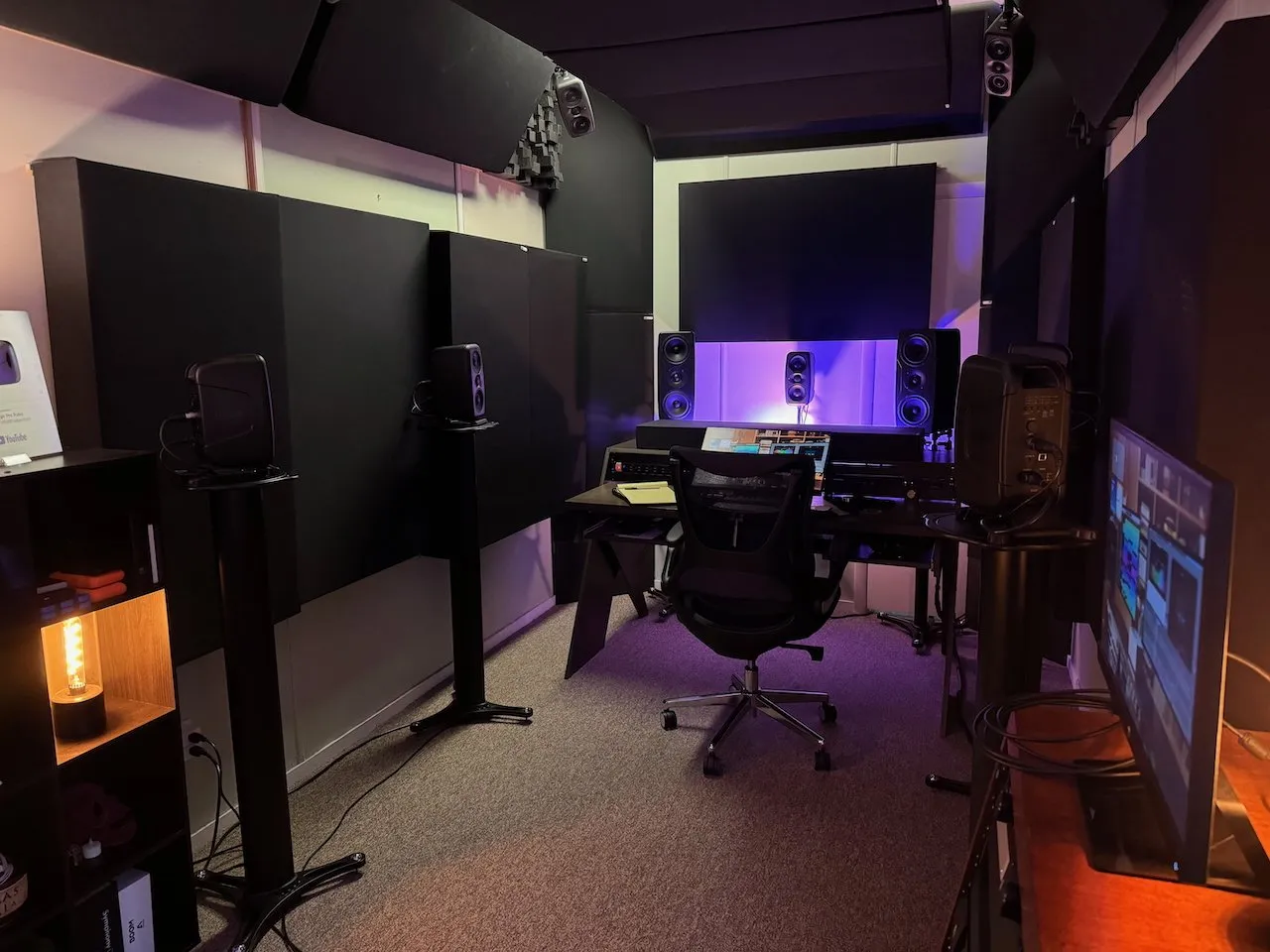
GIK Acoustics
$200 - $2,000+
When you're ready to actually treat your space (and you should, eventually), GIK Acoustics is where I'd start. They offer free room analysis—you send them photos and measurements, and they recommend specific treatment for your actual space.
I've seen their treatments transform really challenging rooms into usable mixing spaces. They know what they're doing, and they're not trying to oversell you on treatment you don't need.
Room treatment isn't the sexiest gear purchase, but it's honestly one of the most impactful investments you can make. Your monitors can only be as accurate as your room allows them to be.