Why Logic Pro Rules
Client-Ready Mix Template for Logic Pro
Stop spending 30 minutes setting up every mix. Load this template and start working in 60 seconds.
14-day money-back guarantee. No questions asked.
For years, I offered free Logic Pro templates. Thousands of people downloaded them.
But those templates were built years ago — outdated workflows, cluttered with unnecessary complexity, not optimized for modern Logic Pro.
This is different.
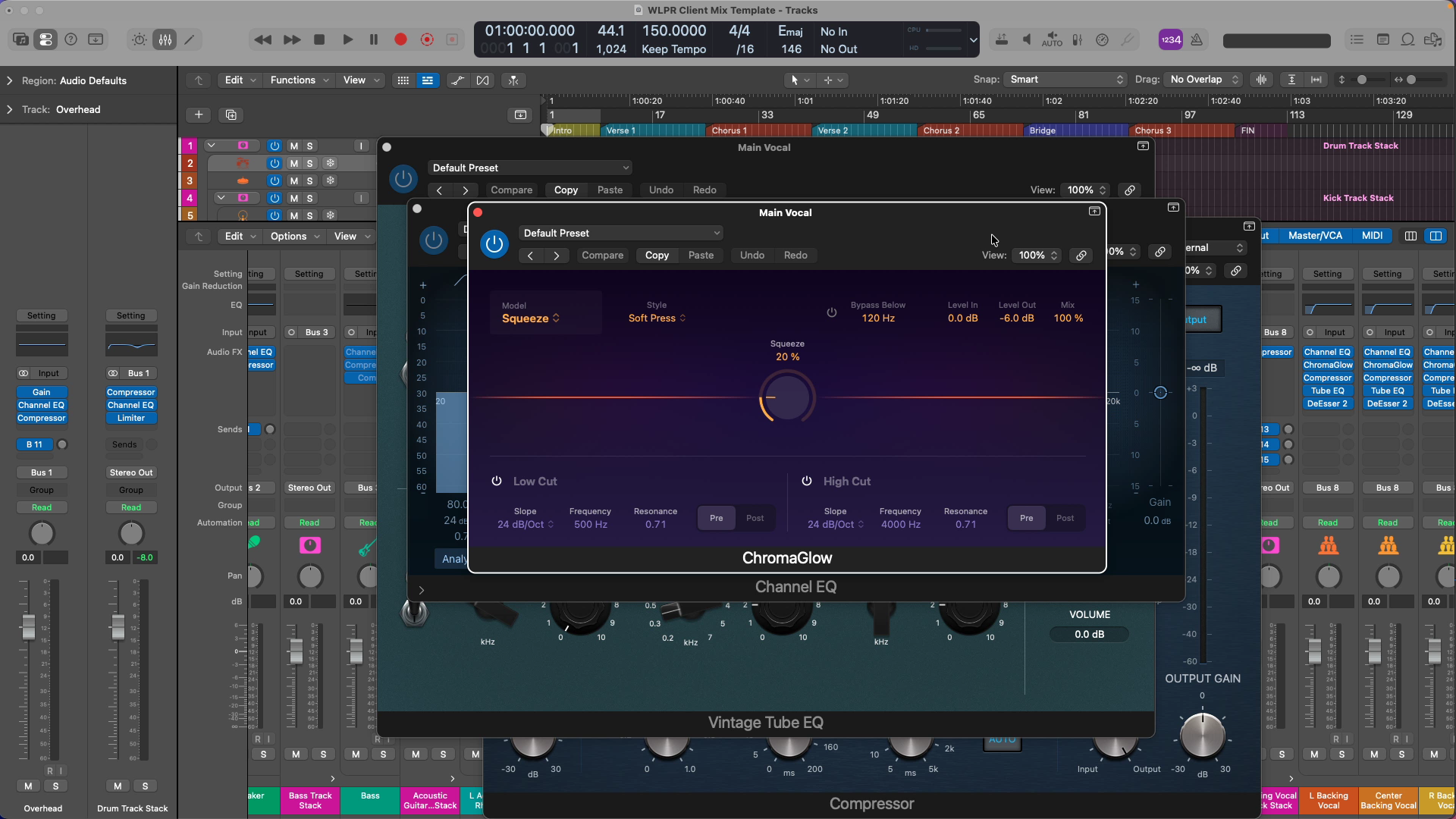
I rebuilt my template from scratch based on how I actually work now — the same routing structure, organizational system, and processing order I use for client mixes — but streamlined for multitrack mixing.
Whether your instruments are recorded live or programmed in Logic.
This isn't just theory. This is how I organize 30+ track sessions, route buses, and set up processing chains for real paid work. But I've kept the settings gentle and the complexity minimal so you get professional structure without overwhelming detail.
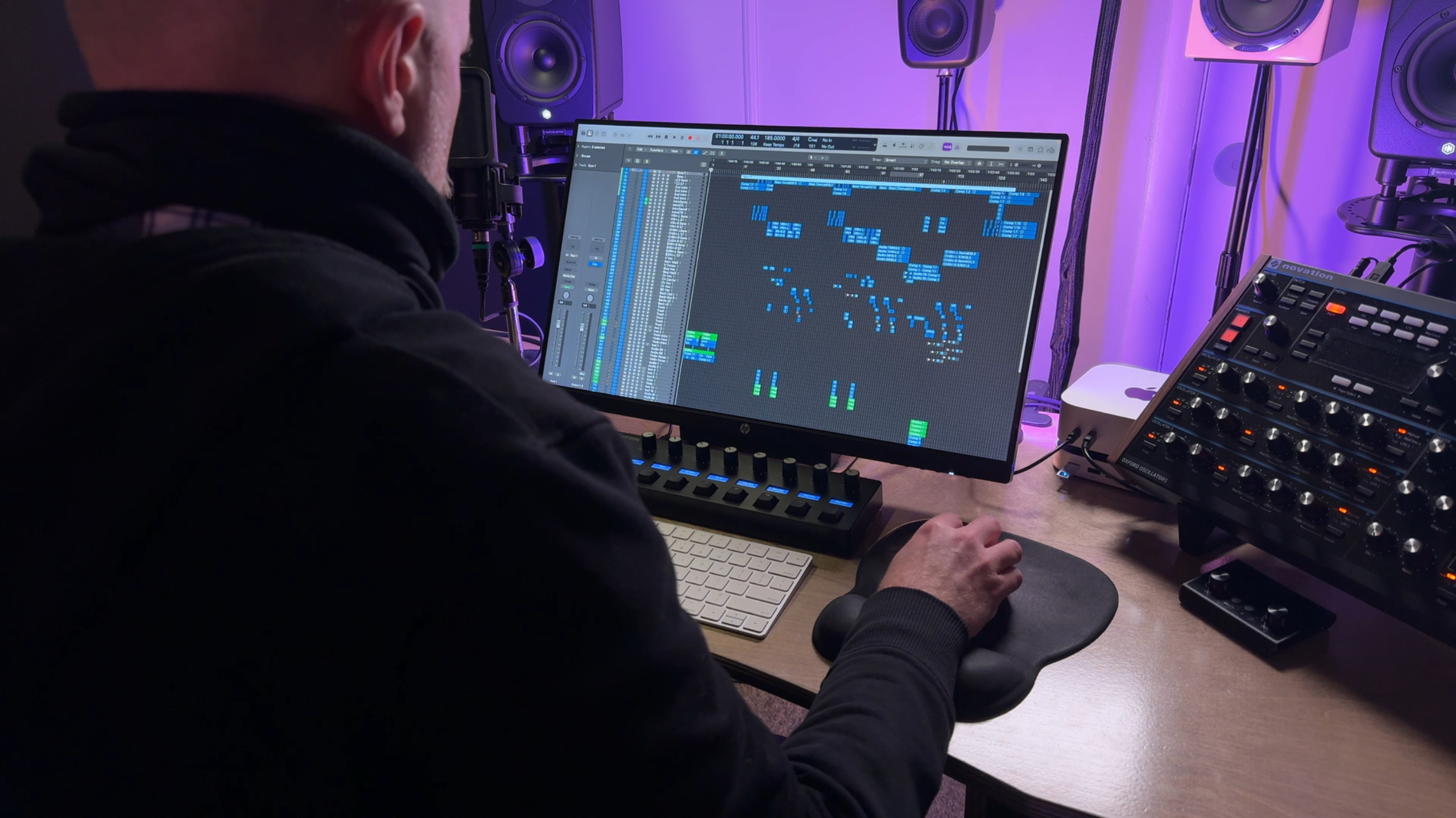
If you've been mixing in Logic for a while, you know the pain:
- Creating track stacks from scratch — every single time
- Setting up reverb and delay sends manually
- Color-coding and labeling tracks
- Routing buses and group processing
- Loading starter plugins before you can even begin
By the time you're ready to actually MIX, you're already exhausted.
What if you could skip all that?
Open the template. Import your audio. Start mixing.
That's what this template does.
What's Included
Everything you need to go from audio files to mixing in under 60 seconds.

🎛 Logic Pro Template File (.logicx)
- 30+ organized tracks with professional routing
- Drum Track Stack (kick, snare, toms, overheads, hi-hat)
- Bass, Guitars (acoustic + electric), Keys, Vocals (main + backing)
- Percussion stack
- All routed to buses for group processing
- Color-coded and labeled clearly
🔀 Reverb/Delay Auxes (Pre-Routed)
- Drum Reverb (short room)
- Vocal Reverb + Delay (with de-essers to prevent harsh sibilance)
- Instrument Reverb
- Short Delay (for width/doubling)
- Sends already set up on every track
⚙️ Professional Details
- De-essers BEFORE vocal reverb/delay (prevents harsh reverb tails)
- Polarity tools on phase-sensitive drum tracks
- Nested track stacks for kick and snare (process as one instrument)
- ChromaGlow on vocals + master bus (Apple Silicon optimization)
- Gentle starter processing (EQ, compression, saturation) ready to adjust
- Multimeter on Stereo Out (spectrum, loudness, correlation, peak/RMS)
📄 24-Page PDF Guide
- How to use the template (step-by-step)
- Processing notes for every instrument (drums, bass, guitars, vocals)
- Why the routing is structured this way
- How to customize for different projects (rock, indie, pop, singer-songwriter)
- Troubleshooting common issues
- Intel Mac alternatives (for non-Apple Silicon users)
🎬 Video Walkthrough (3 videos, 25 minutes total)
- Shows the routing structure
- Demonstrates how to load audio
- Explains customization options
- Quick tour of processing on each track stack
Is This For You?
✅ This is for you if:
- You're tired of spending 30 minutes setting up routing every time you mix
- You want to see how a professional organizes mix sessions
- You're mixing in Logic Pro 11 or 12 (optimized for Apple Silicon, works on Intel)
- You want gentle starter processing that works on most sources
- You're ready to separate PRODUCTION from MIXING
- Your session has a traditional arrangement — drums, bass, guitars, vocals
❌ This is NOT for you if:
- You're looking for a production/recording template (this is designed for mixing audio files)
- You want heavy "finished mix" processing (settings are gentle starting points)
- You're a complete beginner (start with free YouTube tutorials first)
- Your session doesn't follow a traditional band arrangement (beatmaking, electronic, orchestral, etc.)
What Customers Are Saying
"I've used the Client Mix Template a couple of times now, and it has definitely saved time when my mixing starts. I like that the EQ and compression settings give me a starting point where I just have to tweak to get the results I like — it would save me at least 2–3 hours in setup time."
— Greg S
"The template looks excellent. The beauty of what you've done is that I can just simplify the project by removing the tracks I don't need, leaving all the buses and effects ready to go. What you've done with this template bundle has pushed me to create a better recording template with everything I usually use in place."
— Ian H
How It's Different From the Old Free Templates
Old Free Templates (2017–2025)
- Stacked with advanced routing (parallel compression chains, complex sends)
- Outdated for Logic Pro 11/12
- Production + mixing blurred together
- Overwhelming for most users
New Client Mix Template (2026)
- Streamlined — only what's necessary
- Logic Pro 11/12 optimized (ChromaGlow, Apple Silicon features)
- Designed specifically for MIXING
- Professional without being overwhelming
- 24-page guide explaining WHY, not just WHAT
This is the template I actually use now. Not a throwback to old workflows.
Frequently Asked Questions
Will this work on Logic Pro 11?
Yes. Optimized for Logic Pro 11 and 12.
I'm on an Intel Mac. Will this work?
Yes. The PDF includes alternatives for Intel Macs (ChromaGlow is Apple Silicon only, but alternatives are provided).
Can I use this for production/recording?
Technically yes, but it's not designed for that. This template is built for MIXING audio files. If you want to produce/record, use a separate project, then export audio into this template for mixing.
What if the processing doesn't sound good on my sources?
All processing is gentle and bypassable. If a plugin doesn't serve your sound, bypass it. The template is a starting point, not a rulebook.
Do I need third-party plugins?
No. Stock Logic Pro plugins only.
What if I don't like it?
14-day money-back guarantee. If it doesn't work for your workflow, email chris@whylogicprorules.com for a full refund. No questions asked.
Will you update this template?
Yes. As Logic Pro updates, I'll update the template. You'll get free updates.
14-Day Money-Back Guarantee
Try the template risk-free. If it doesn't work for your workflow within 14 days, email me for a full refund. No questions asked.
Ready to stop wasting 30 minutes on setup?
- Logic Pro template file (.logicx)
- 24-page PDF guide
- Video walkthrough (3 videos, 25 min)
- Free updates
- 14-day money-back guarantee
Questions? Email chris@whylogicprorules.com